'%20stroke-width='4'%20viewBox='0%200%2048%2048'%20aria-hidden='true'%20focusable='false'%20class='arco-icon%20arco-icon-search'%3e%3cpath%20d='M33.072%2033.071c6.248-6.248%206.248-16.379%200-22.627-6.249-6.249-16.38-6.249-22.628%200-6.248%206.248-6.248%2016.379%200%2022.627%206.248%206.248%2016.38%206.248%2022.628%200Zm0%200%208.485%208.485'%3e%3c/path%3e%3c/svg%3e)

Streaming Setting Using TikTok LIVE Studio
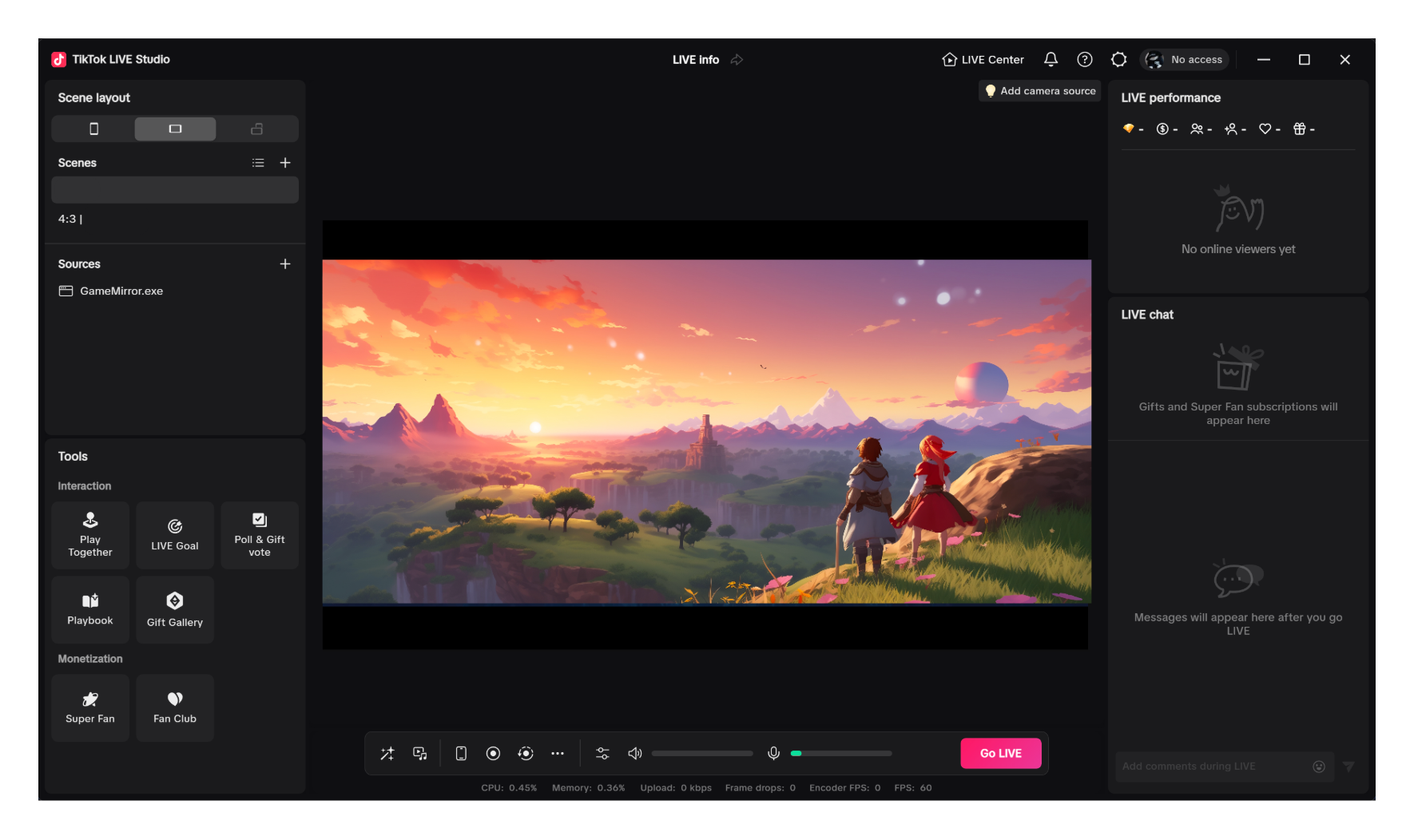
1.Open TikTok LIVE Studio on a PC
(TikTok LIVE Studio URL https://www.tiktok.com/studio/download?lang=en)
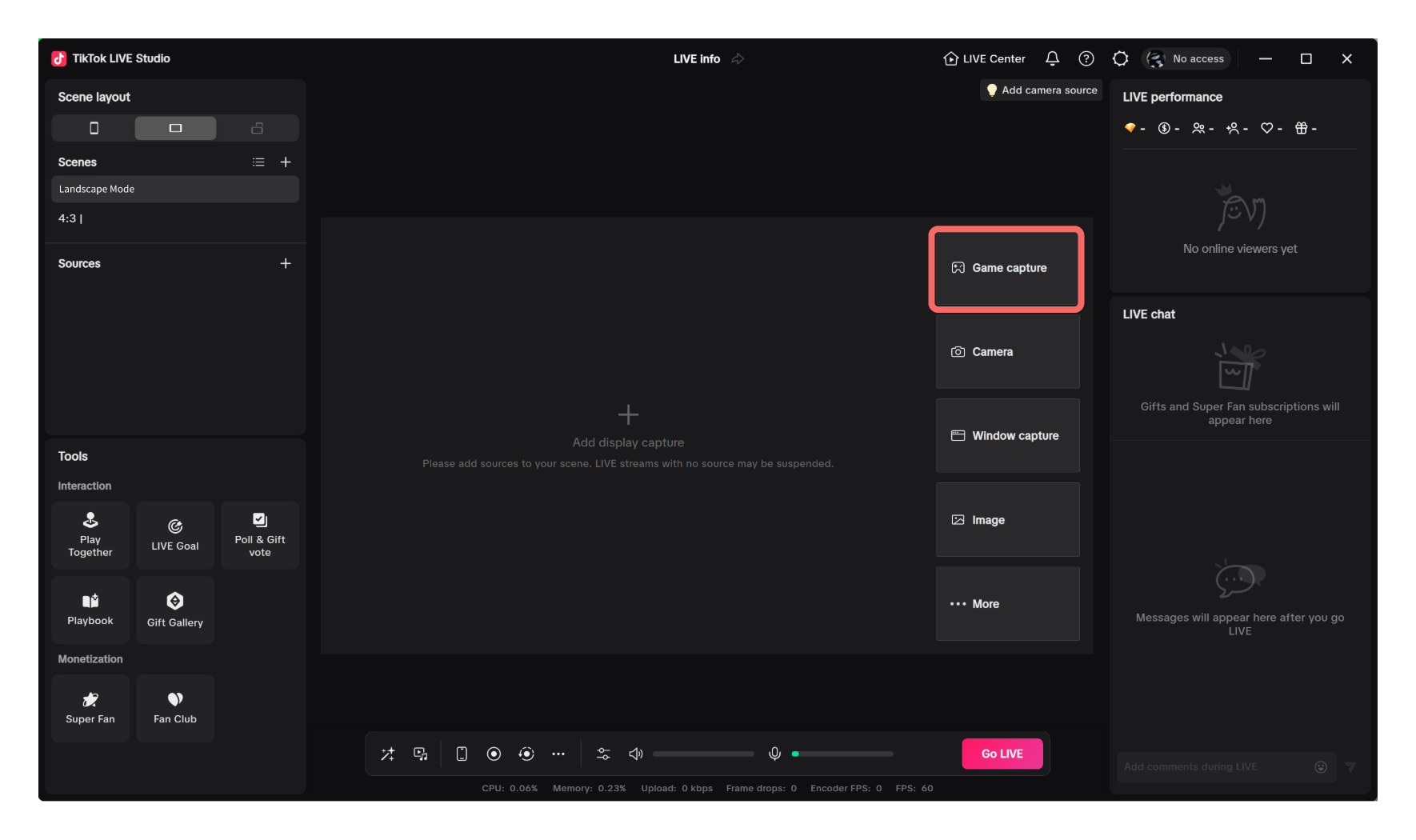
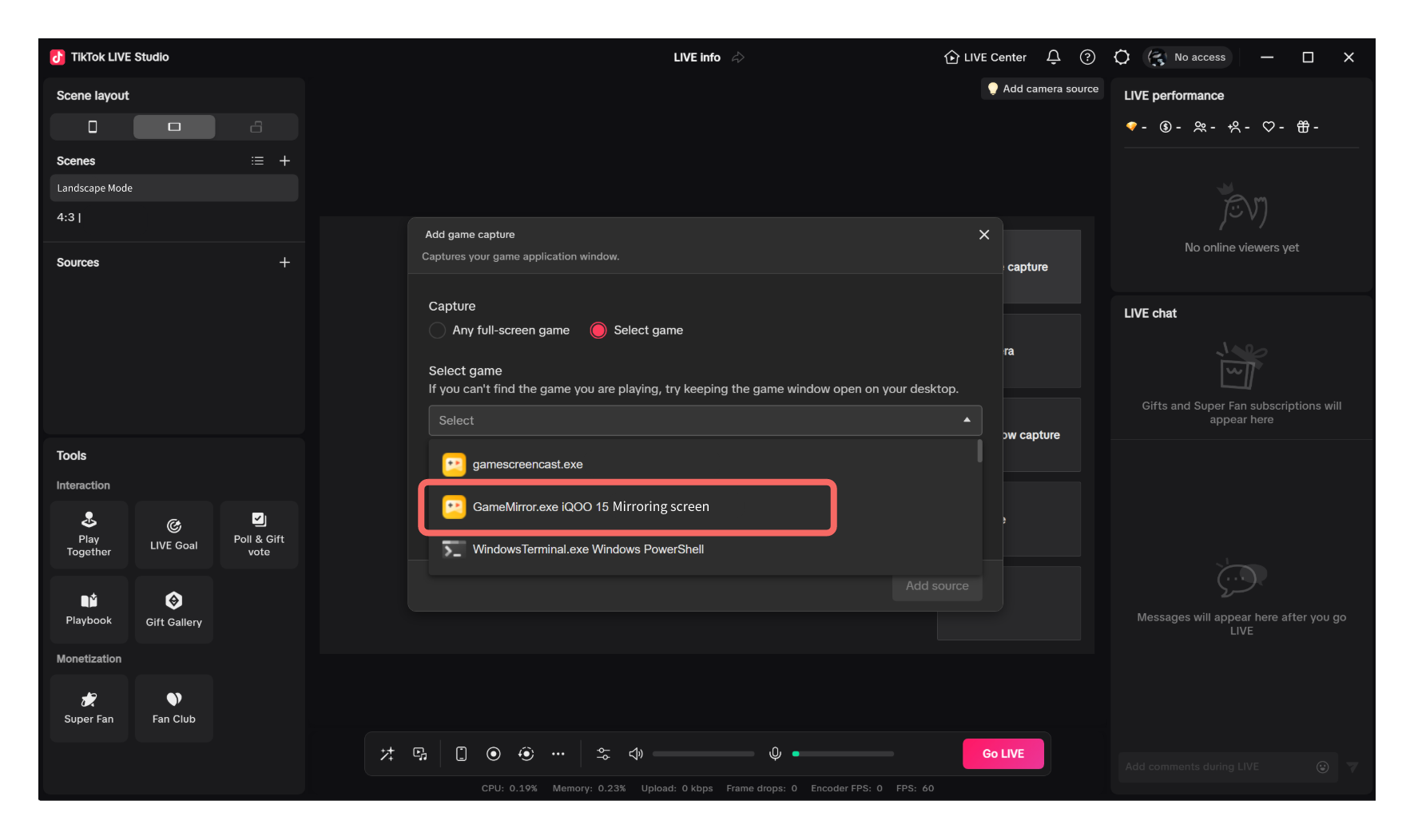
2.Use TikTok LIVE Studio for streaming
Prefer the game capture method. Choose Add display capture > Game capture and select GameMirror.exe Mirroring screen. If an error occurs, causing window content to be unable to display normally, go to step 3.
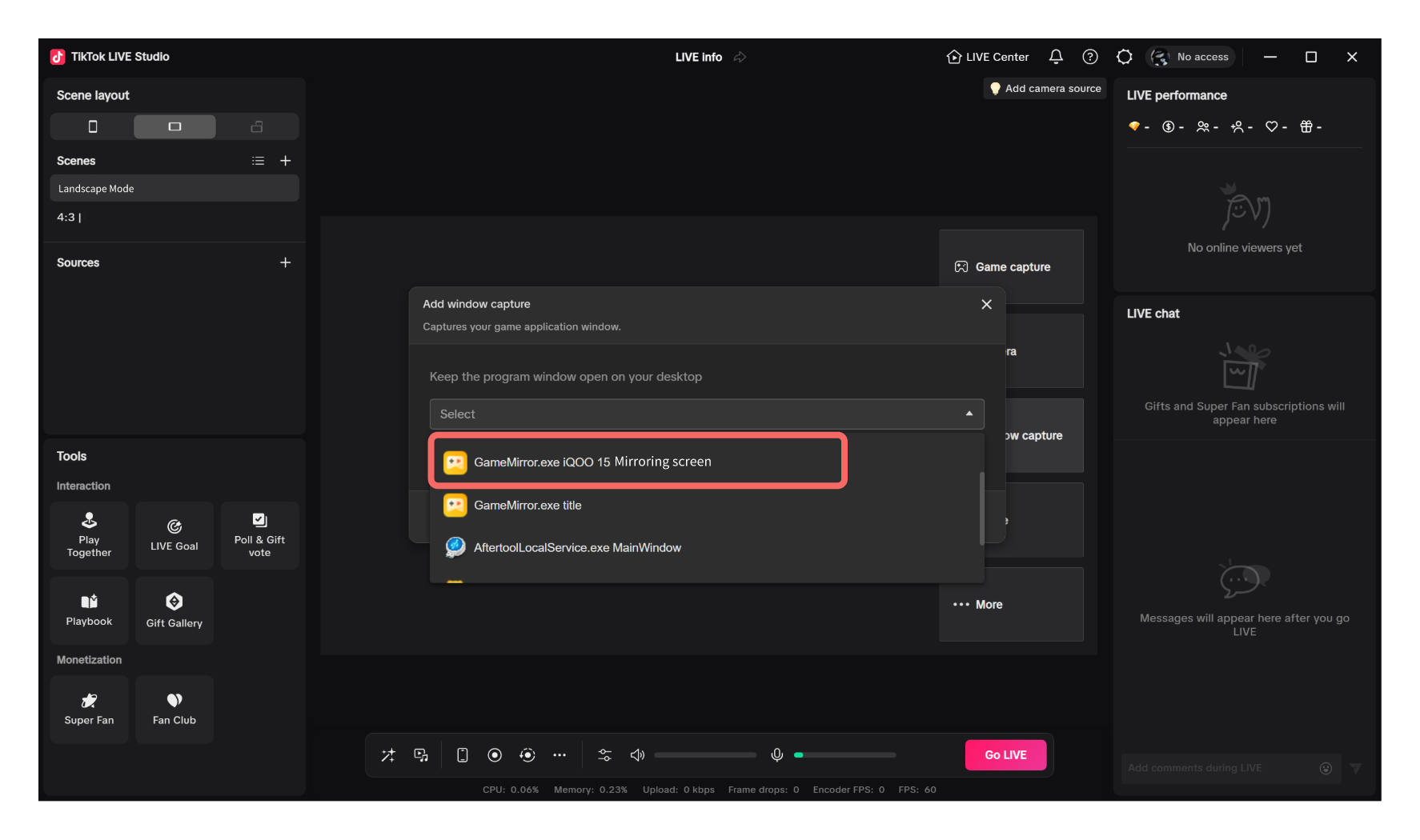
3.Change to window capture for streaming
Choose Add display capture > Window capture, selectGameMirror.exe Mirroring screen,andconfigure other settings based on the streamer's preference.